
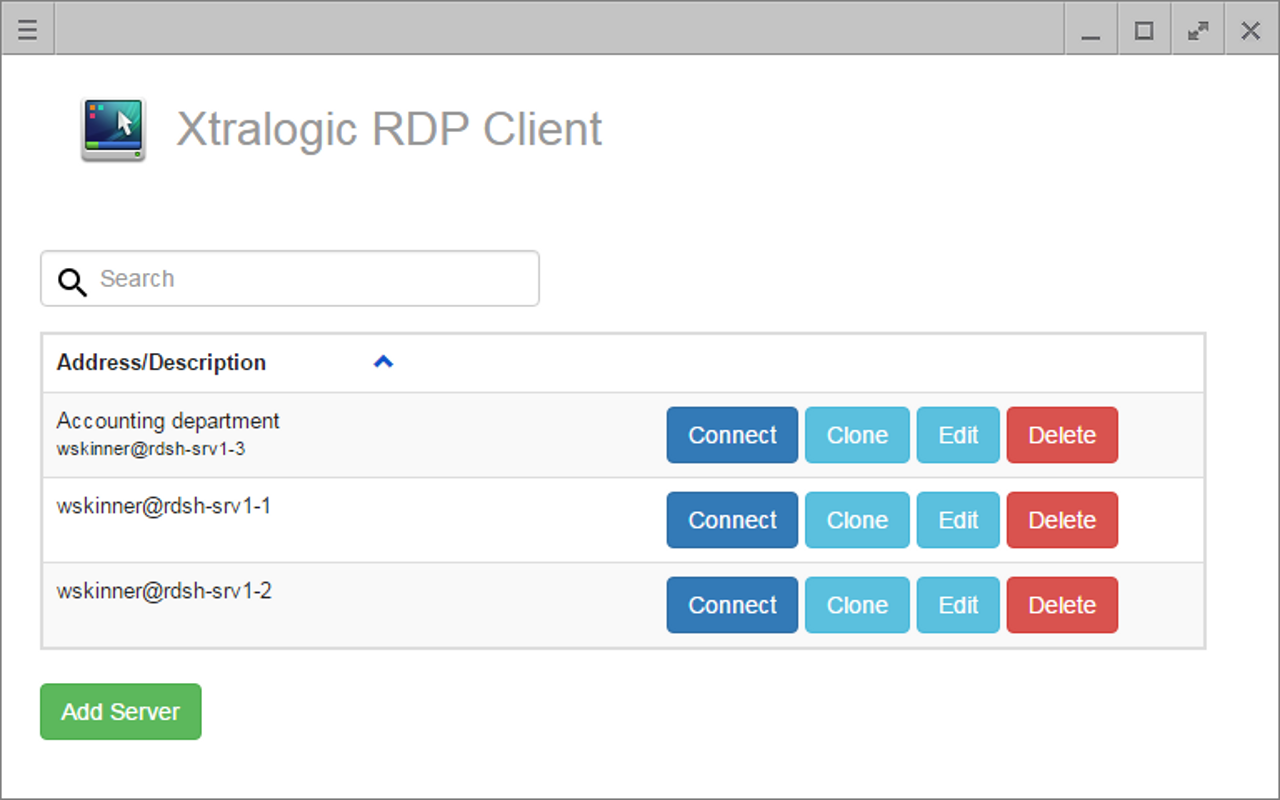
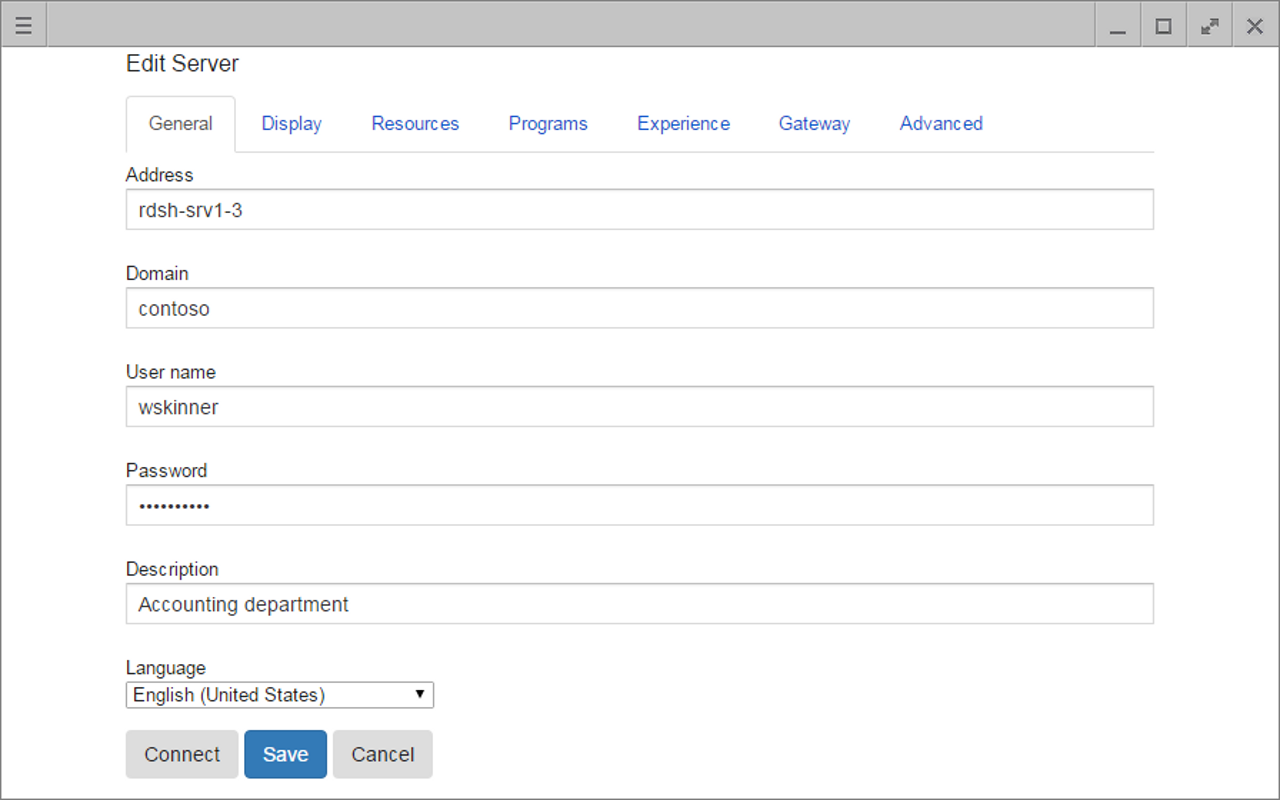
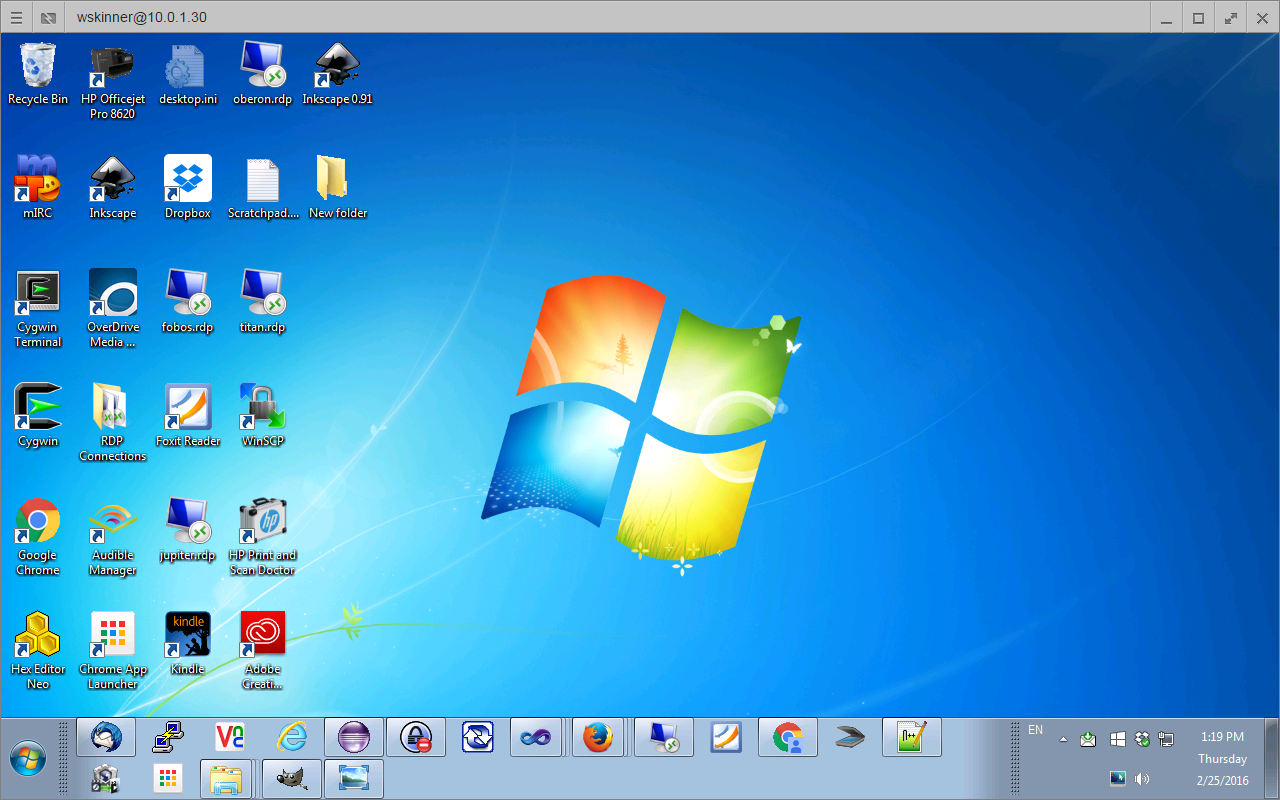
With Xtralogic® RDP Client for Chrome you can connect to your Windows computers across the Internet from any computer which runs Chrome OS. Once connected, you get mouse and keyboard control on the remote computer and see everything that’s happening on the remote computer’s screen.
Xtralogic® RDP Client id using Microsoft Remote Desktop Protocol (RDP) to connect to a remote computer. All the server components necessary for the RDP protocol are already part of most versions of the Windows OS (except Home varieties).

Features

  • USB redirection support
  • Camera redirection support
  • Microsoft Azure Virtual Desktop connectivity support

  • Printer redirection support
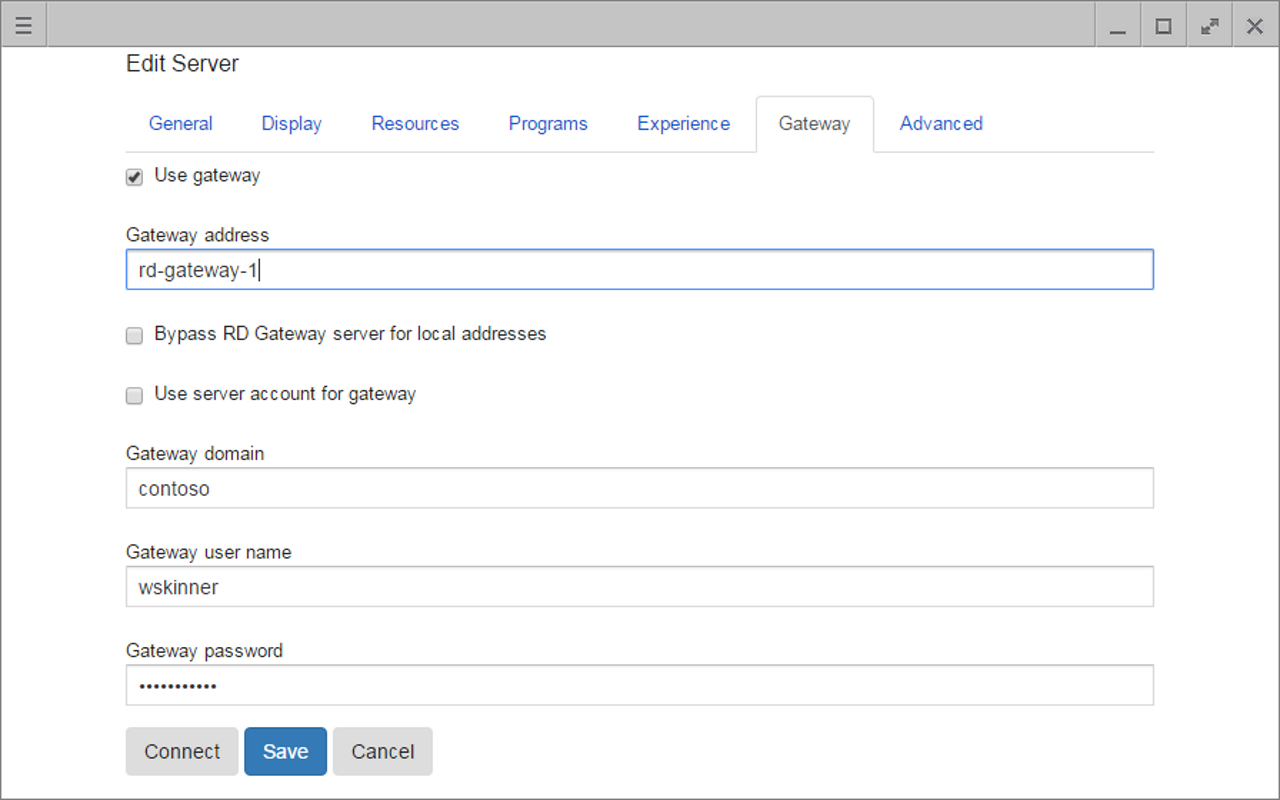
  • Microsoft Remote Desktop Gateway(RD Gateway) support
  • Microsoft RemoteApp support
  • Custom screen resolutions, including an option to automatically use client screen resolution
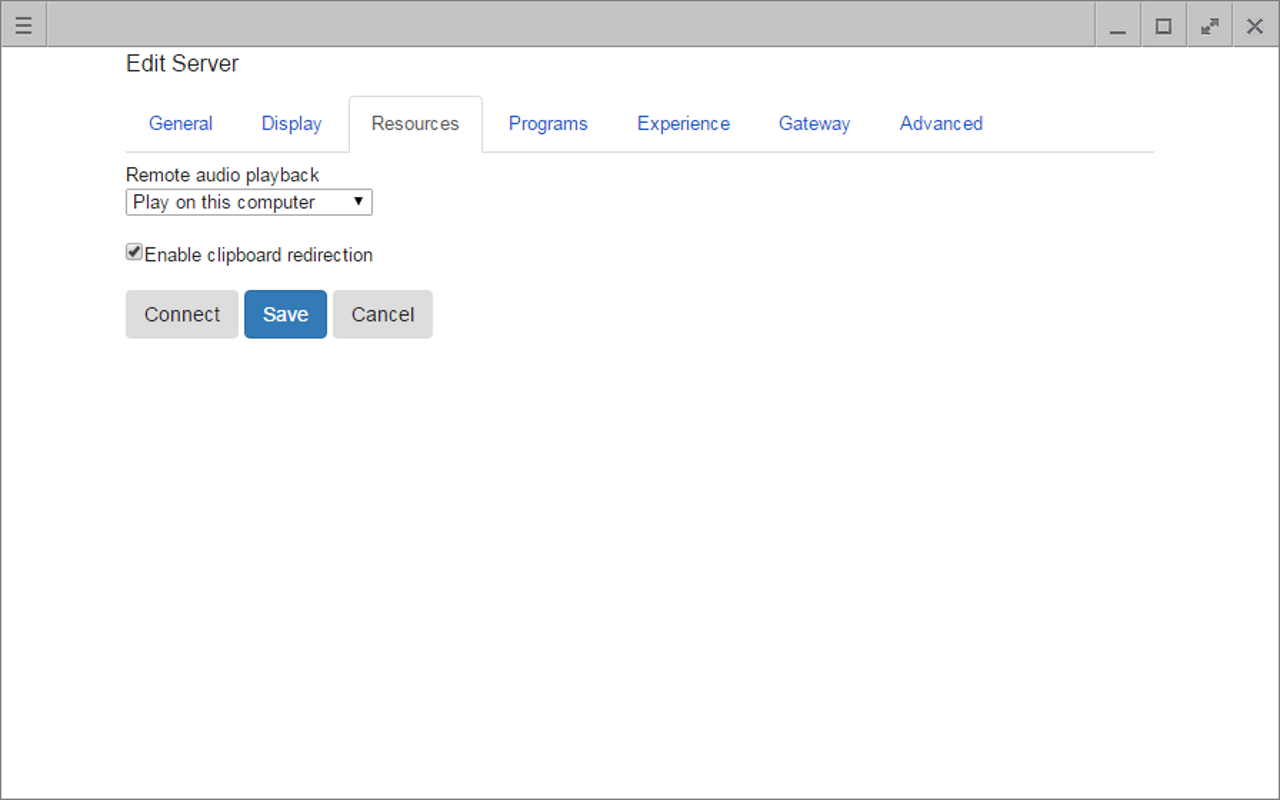
  • Audio redirection to the client from a remote computer
  • Copy/paste text between client and server
  • Importing server settings from .rdp file
  • Kiosk mode on managed Chrome OS devices
  • Centralized app configuration on managed Chrome OS devices
  • Filesystem redirection (‘drive redirection’) to the remote computer
  • Smart card redirection support
  • Multiple-monitor support

What users have to say