
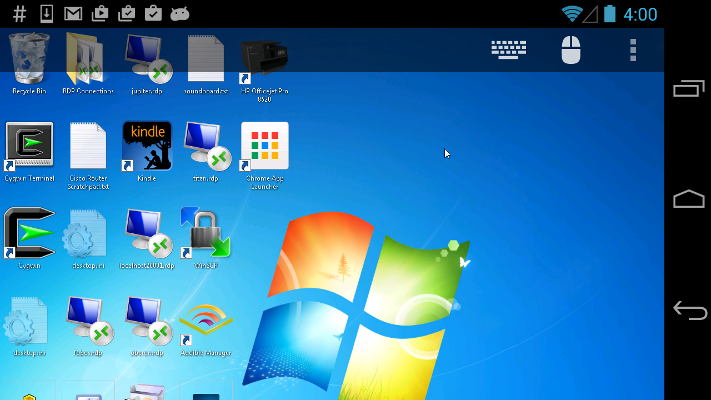
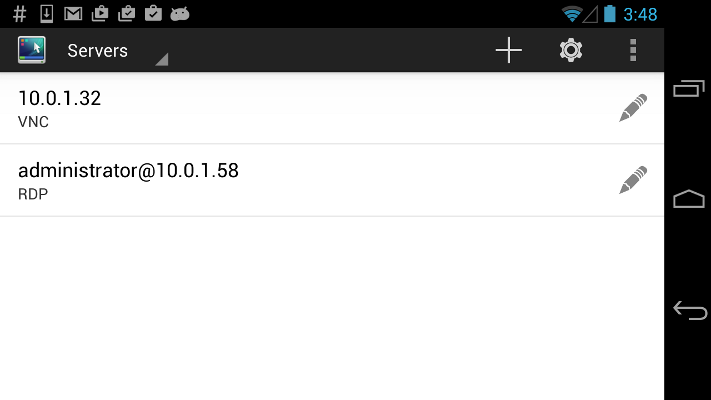
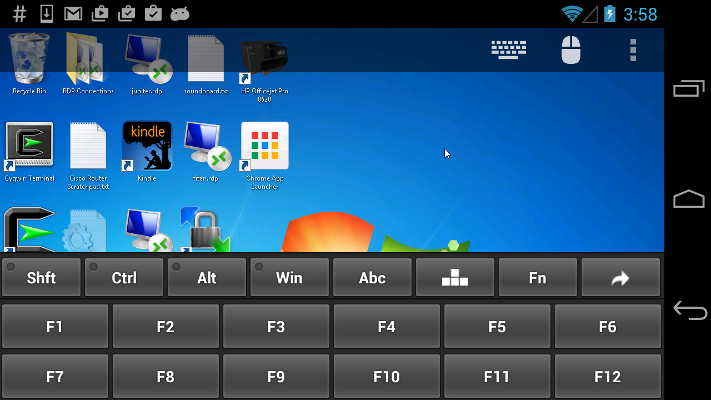
Xtralogic® Remote Desktop Client for Android enables you to connect to your Windows computers across the Internet from a mobile device powered by Google Android platform.
Once connected, it gives you mouse and keyboard control over your computer while showing you everything that’s happening on the screen.
You can leave your computer without losing access to your files, applications, and e-mail. Xtralogic® Remote Desktop Client can connect using Microsoft Remote Desktop Protocol (RDP) or VNC protocol. For RDP protocol all the necessary server components are already part of most versions of the Windows operating system (except Home varieties).
- VNC protocol support
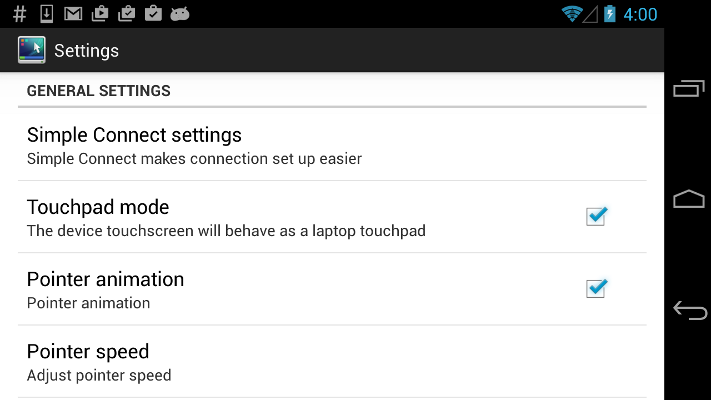
- Simple Connect (eliminates the need for configuring port forwarding on a network router)
- Custom screen resolutions, including an option to automatically fit to the device screen
- Secure network communication protected by SSL/TLS
- Microsoft Remote Desktop Gateway(RD Gateway) support
- RemoteApp programs support
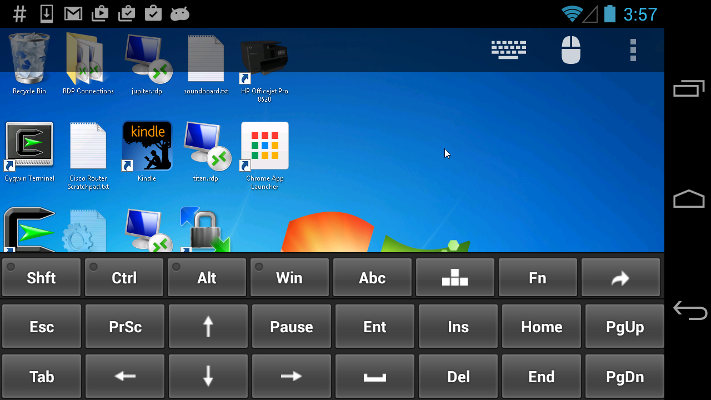
- On-screen keyboard for keys missing on the device (functional keys, etc.)
- Master password to secure server password storage
- Audio redirection to the client from a remote computer
- Microphone redirection from the client to a remote computer
- File transfer between SD card and remote computer
- Copy/paste text between client and server
- Display zoom in/zoom out
- Pinch-to-zoom
- Support for Microsoft Remote Assistance
- Android home screen shortcuts
- Automatic activation of a software keyboard in text fields
- Support for a physical keyboard (a keyboard connected over Bluetooth or USB)
- Physical mouse support: drag and drop with a single mouse click, mouse wheel, all three mouse buttons are supported
- Export/import the server address book and app settings to/from SD card
- Support for importing server settings from .rdp and XML files
- Multi-touch gestures for scrolling, mouse buttons emulation
- API for third party apps to establish RDP connection